Loyalty
Stamps or cashback, in the client’s wallet.
Choose the programme that suits your shop. The card lives in the client’s Apple Wallet or Google Wallet, with no app to install and no paper.
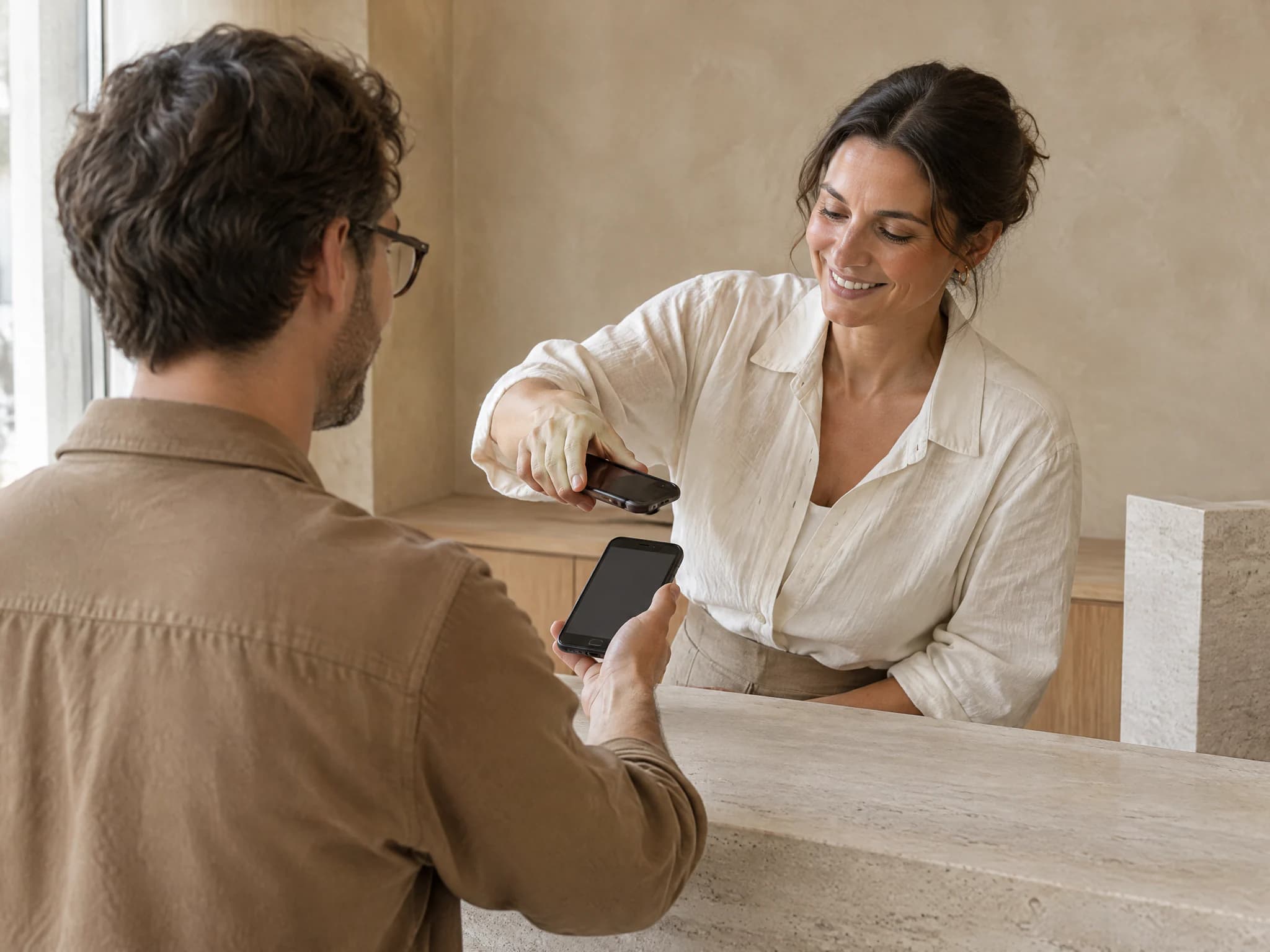
- ORAS commission per booking
- 0%
- Desktop, iPhone and Android
- 3
- Client card in Apple and Google Wallet
- Wallet
- Every feature included
- 1 plan
Made in Portugal · Data hosted in the European Union
What it does
Stamp card
Set how many stamps earn a reward and what the client receives: a service, a product or anything you write.
Cashback on every visit
Alternatively, every completed visit returns a percentage of the amount paid as a balance at your shop. The client spends it at the counter or when booking online.
In the phone’s wallet
The client adds the card to Apple Wallet or Google Wallet from the sign-up email or the card page. The card updates with every stamp.
No forgotten stamps
When a booking is completed, clients with a card get the stamp automatically. At the counter, scan the QR or type the 6-character code.
How it works
Choose the programme
In settings, choose stamps or cashback, the reward or the percentage, and the terms that appear on the card.
The client gets the card
The card is created and, if the client has an email address, it reaches them with buttons to save it to Apple Wallet or Google Wallet.
Collect
With stamps, every completed visit adds a stamp. With cashback, the balance grows with every completed visit.
Redeem
When the card is complete, the reward appears, ready to validate. The cashback balance is deducted when you complete a visit or on the online booking, with the card code.
Frequently asked questions with straight answers.
Does the client need to install an app?
No. The card goes into Apple Wallet or Google Wallet, which are already on the phone. It can also be opened on a web page.
Can I give a particular client a different reward?
Yes. Besides the shop’s general reward, you can set a custom reward for a client.
How do I know who is close to a reward?
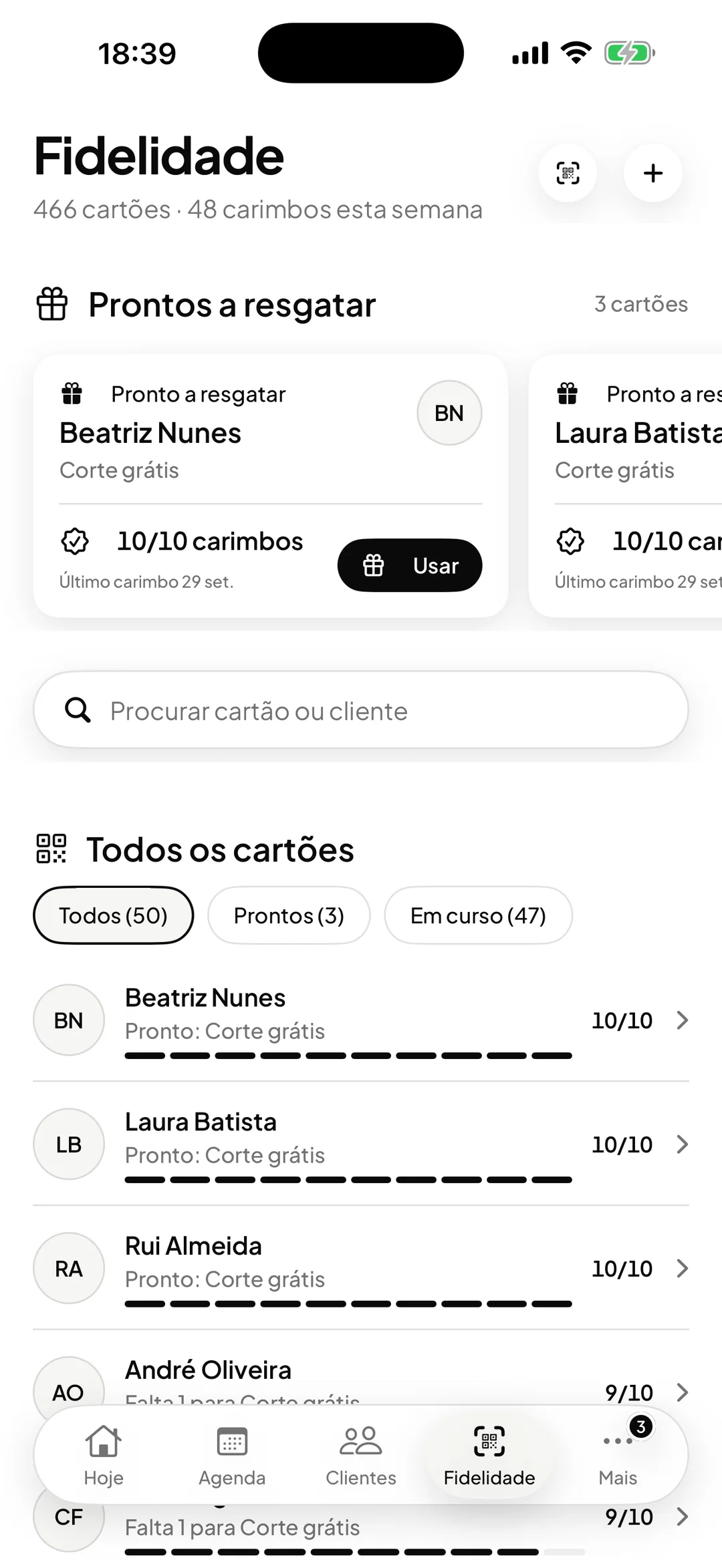
In the Loyalty tab of the team app, cards are sorted by who is closest to earning the reward. Analytics shows the active cards, the stamps and the rewards redeemed in the period.
Related features
Clients
Every client, with their history in view.
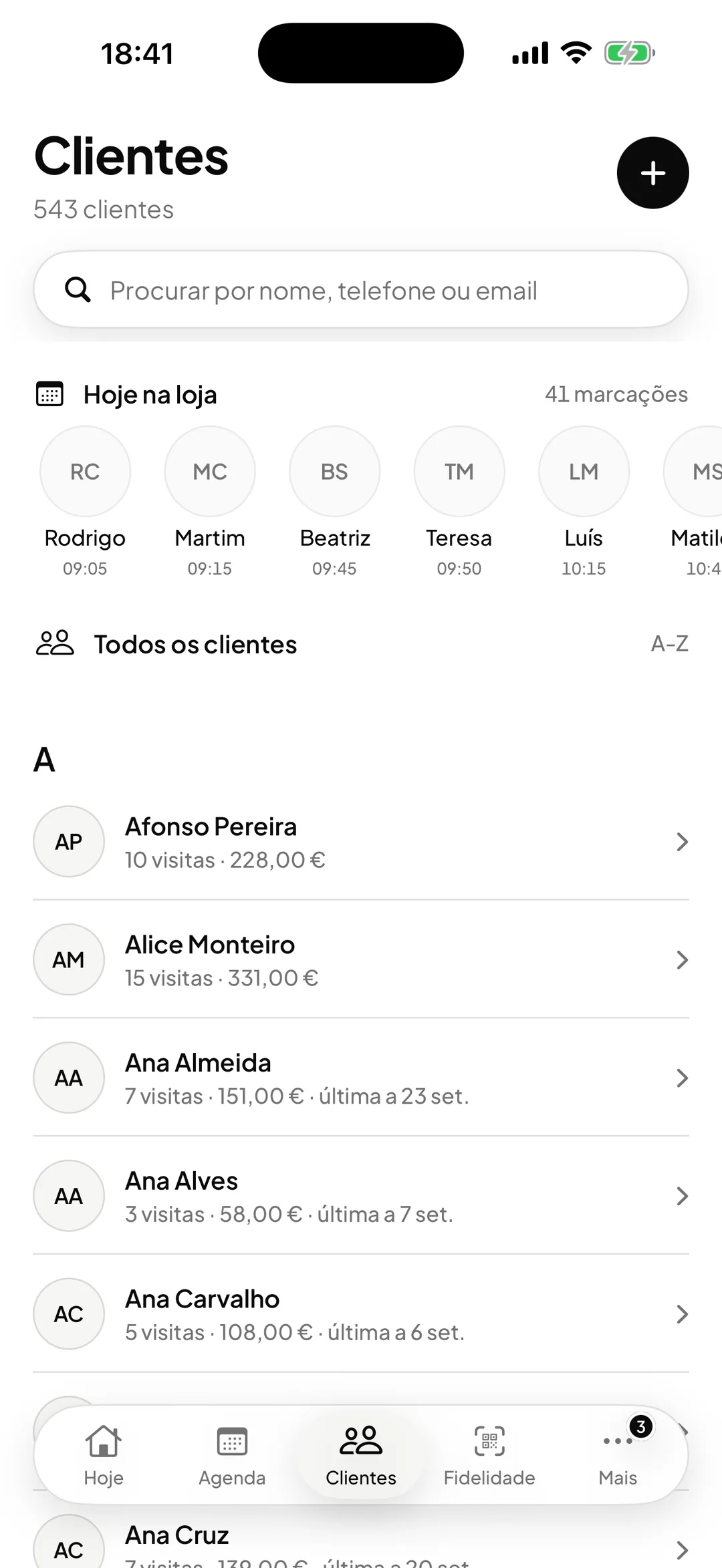
A file with visits, purchases, total spent, no-shows and notes, shared across locations.
Learn more ClientsOnline bookings
Clients book themselves, at any hour.
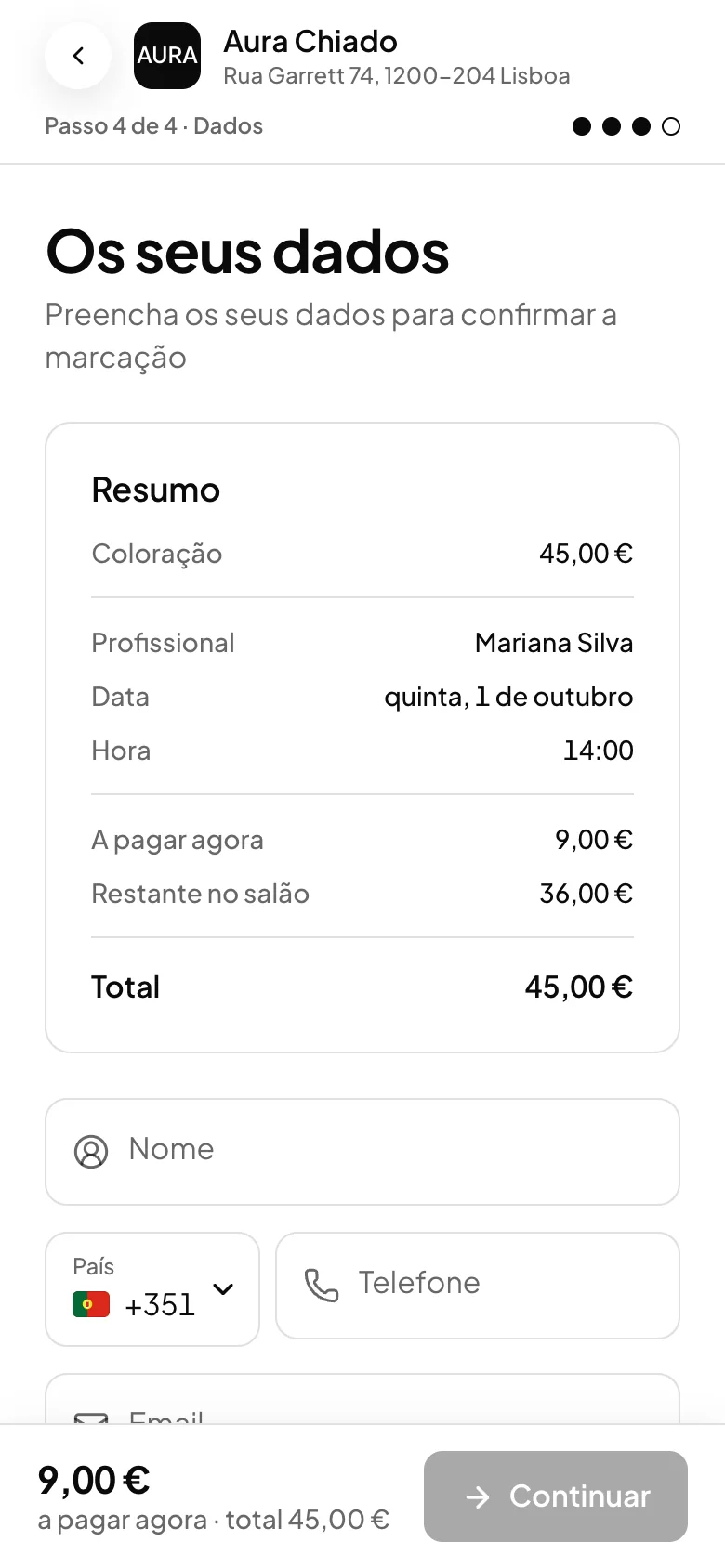
A booking page open around the clock, with real availability and optional approval.
Learn more Online bookings
See ORAS for your type of business
See moreSee less
or feature by feature
Want to see ORAS with your own data?
Tell us how you work and we will show you the system running. If it fits, we set it all up with you, data migration included.
- A 30-minute demo, no commitment
- Data migration included
- No minimum term, 30 days’ notice
- Support in Portuguese by email and WhatsApp