Tattoo and piercing
Management software for tattoo and piercing studios.
Long sessions are booked online, with the deposit paid right at booking, and each tattoo artist has their own column in the calendar. It works on the desktop, on iPhone and on Android, and ORAS takes no commission per booking.
- ORAS commission per booking
- 0%
- Desktop, iPhone and Android
- 3
- Client card in Apple and Google Wallet
- Wallet
- Every feature included
- 1 plan
Made in Portugal · Data hosted in the European Union
Sessions of several hours, booked with the deposit already paid.
Online bookings
The client books the session on their own
On the booking page, with the team’s photo and portfolio, the client chooses the service, the professional and a free slot. Your booking and cancellation policies are on the page itself, and the booking goes into the calendar.
Learn more Online bookingsOnline payments
Deposit paid before the session
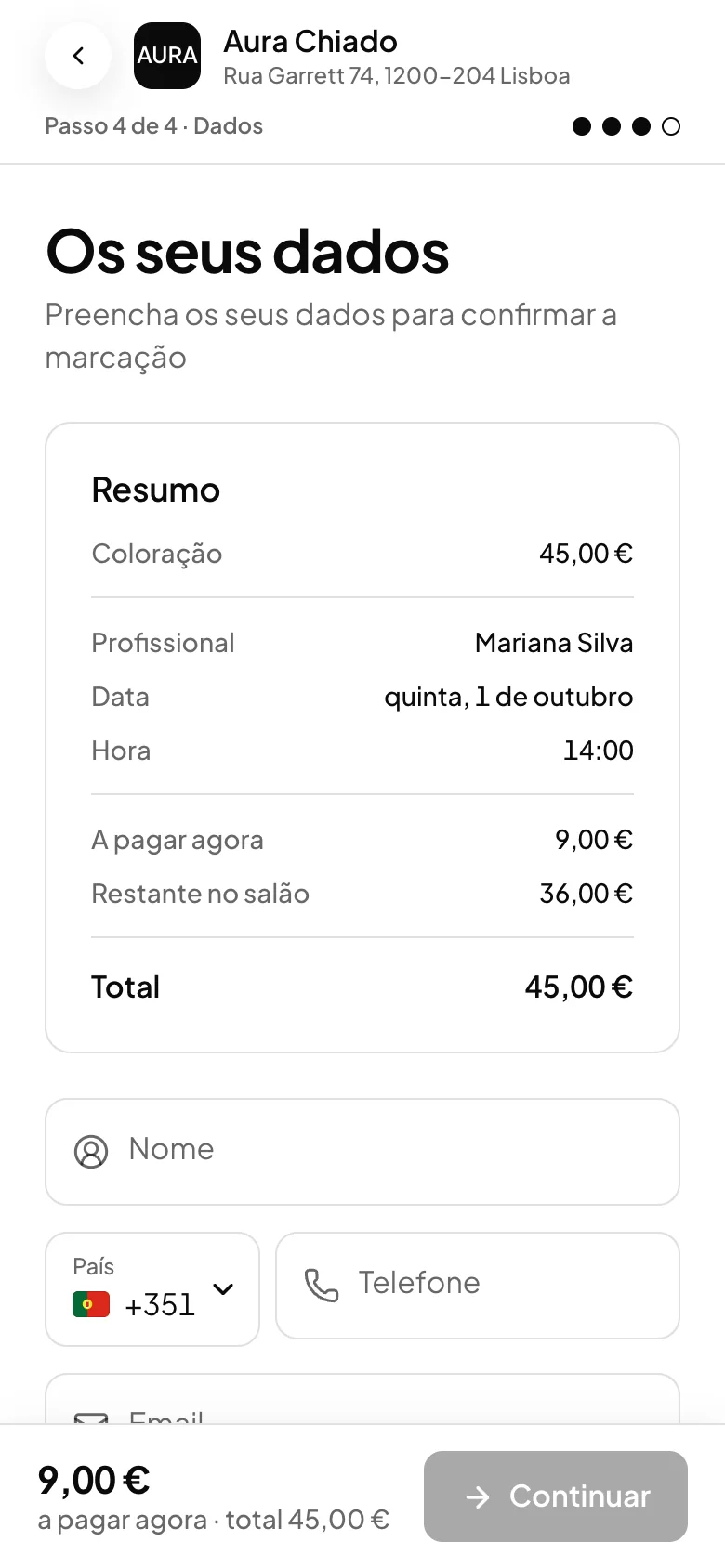
Ask for a deposit, a percentage of the price, in the booking itself, and the client sees how much they pay now and how much is left to pay at the studio. If they do not turn up or cancel after the deadline, the deposit is kept; before the deadline, it is refunded automatically.
Learn more Online paymentsCalendar
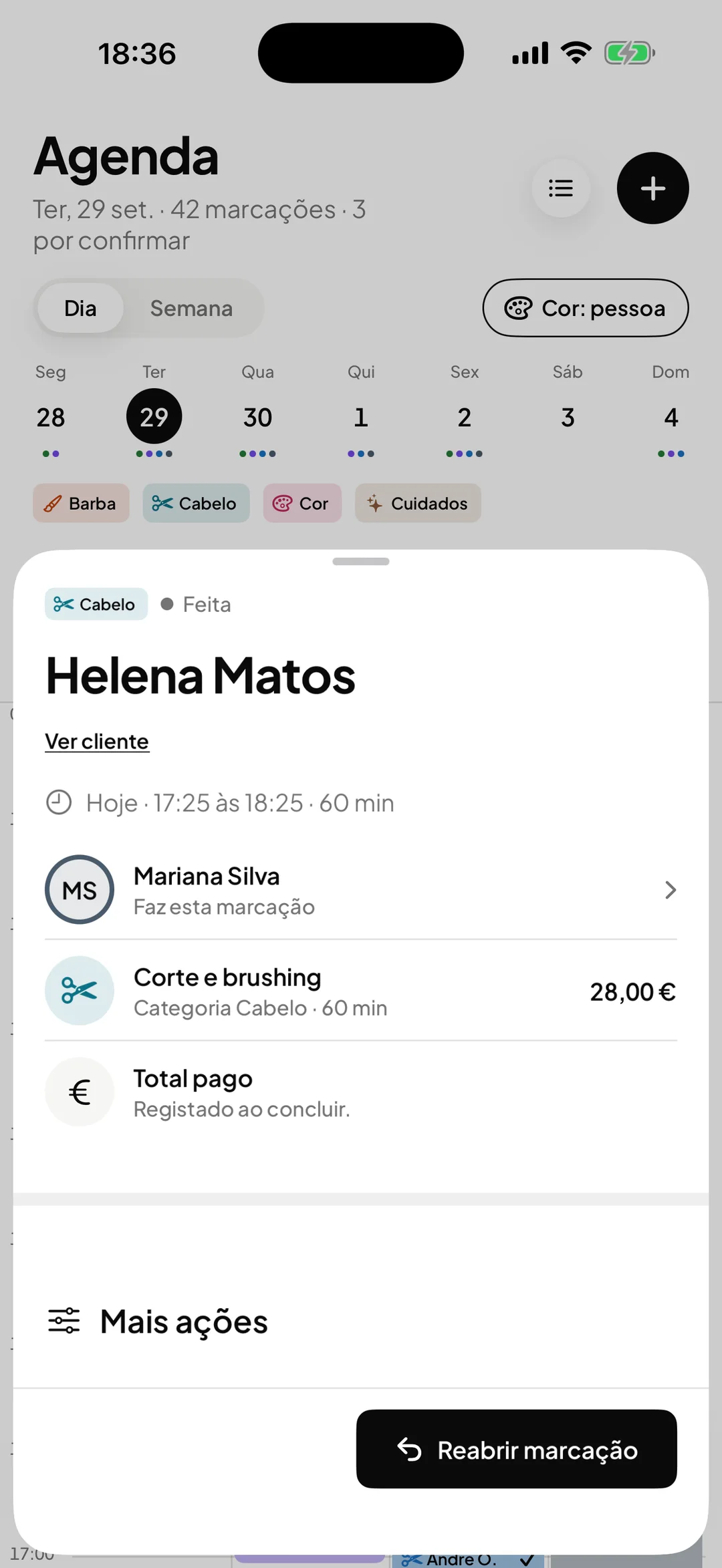
Each tattoo artist with their own column
The calendar has one column per professional, and a long session takes up the tattoo artist’s column for the duration of the service. You can block hours by dragging across each person’s week, and those periods stop showing as free on the booking page.
Learn more CalendarClients
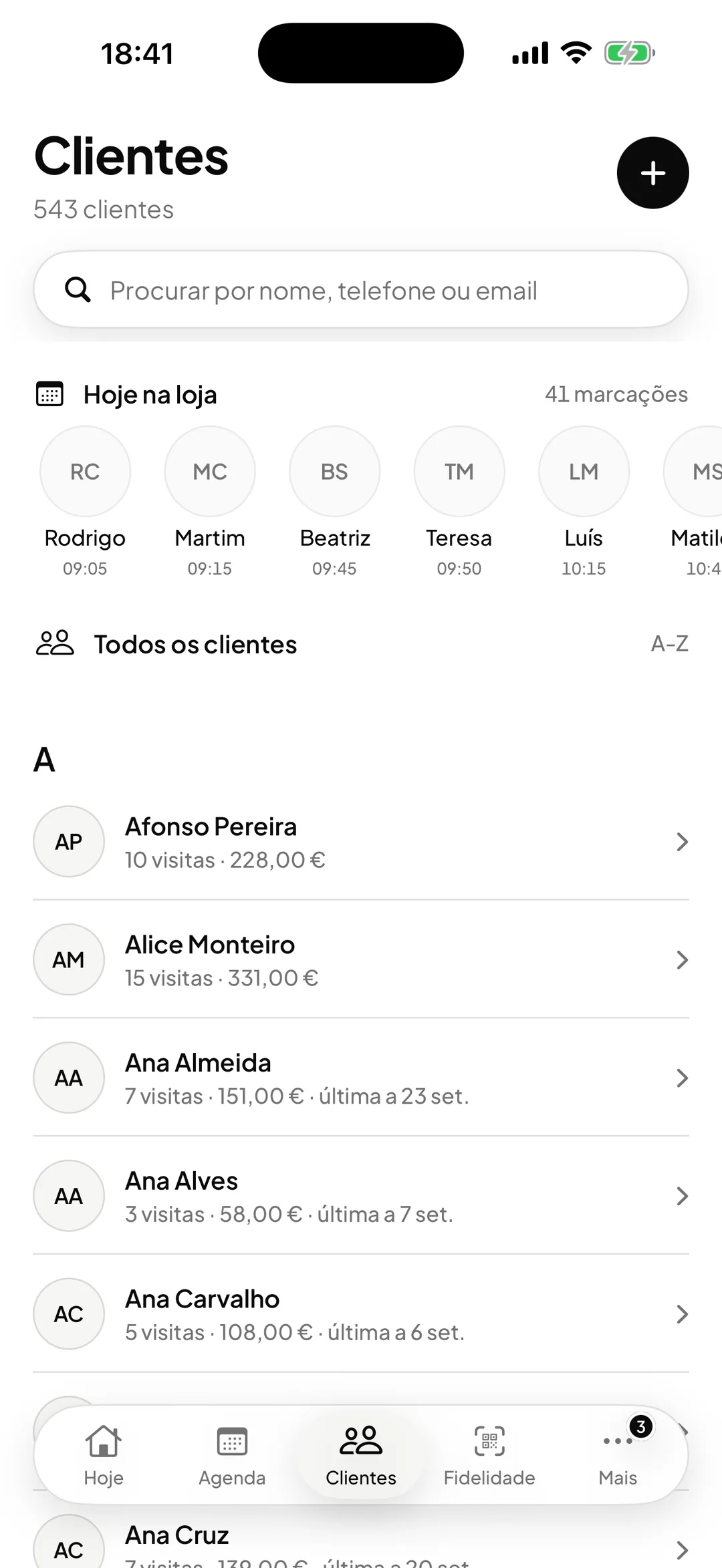
Each session goes in the file
Each session goes in the file with the date, service, professional, price and status, including no-shows and cancellations. Write in the notes what is worth remembering for the next session, and whoever serves them next reads the same.
Learn more ClientsRecorded payments
Every payment recorded, ready to export
When the session is completed, ORAS records the amount, the VAT, the payment method and the professional, and an online payment that is returned is marked as refunded. Export the period’s list as CSV for your accountant; legal invoices still come from your invoicing program.
Learn more Recorded payments
One line at a time, and the calendar out of the way.
Frequently asked questions with straight answers.
Can the client choose the tattoo artist?
Yes. On the booking page the client chooses the service, the professional and a free slot, and each service only shows who does it. Each professional’s photo and portfolio appear on the page.
Can I ask for a deposit and keep it if the client does not turn up?
Yes. The deposit is a percentage of the price, paid at booking. If the client does not turn up or cancels after the deadline you set, the deposit is kept; before the deadline, the money is refunded automatically.
Does ORAS replace my invoicing program?
No. ORAS records payments to keep control of the business, and legal invoices still come from the invoicing program you already use.
Who sees the payments and the studio’s takings?
The owner and the manager. Professionals and the front desk do not see payments, Analytics, expenses or settings.
See ORAS for your type of business
See moreSee less
or feature by feature
Want to see ORAS with your own data?
Tell us how you work and we will show you the system running. If it fits, we set it all up with you, data migration included.
- A 30-minute demo, no commitment
- Data migration included
- No minimum term, 30 days’ notice
- Support in Portuguese by email and WhatsApp