Online payments
Deposit or prepayment, in the booking itself.
Choose, service by service, whether the client pays a deposit, the full amount or leaves a card on hold. The money goes into your business’s Stripe account and ORAS takes no commission per booking.

- ORAS commission per booking
- 0%
- Desktop, iPhone and Android
- 3
- Client card in Apple and Google Wallet
- Wallet
- Every feature included
- 1 plan
Made in Portugal · Data hosted in the European Union
What it does
Four options per service
Pay at the shop, a deposit (a percentage of the price), full payment in advance, or a card on hold for a cancellation fee.
The money is yours
Payments go to your business’s Stripe account. ORAS takes no commission per booking; only Stripe’s own fees apply.
A no-show is no longer free
If the client does not turn up or cancels after the deadline, the deposit is kept or the cancellation fee is charged to the card.
A clear cancellation deadline
You set how many hours before the booking a cancellation is free. Before that deadline, the money is refunded automatically.
How it works
Connect Stripe
In settings, connect your business’s Stripe account. Stripe verifies the details and transfers the payments to your bank.
Choose each service’s rule
For each service, choose the payment option, the percentage and the free-cancellation deadline.
The client pays when booking
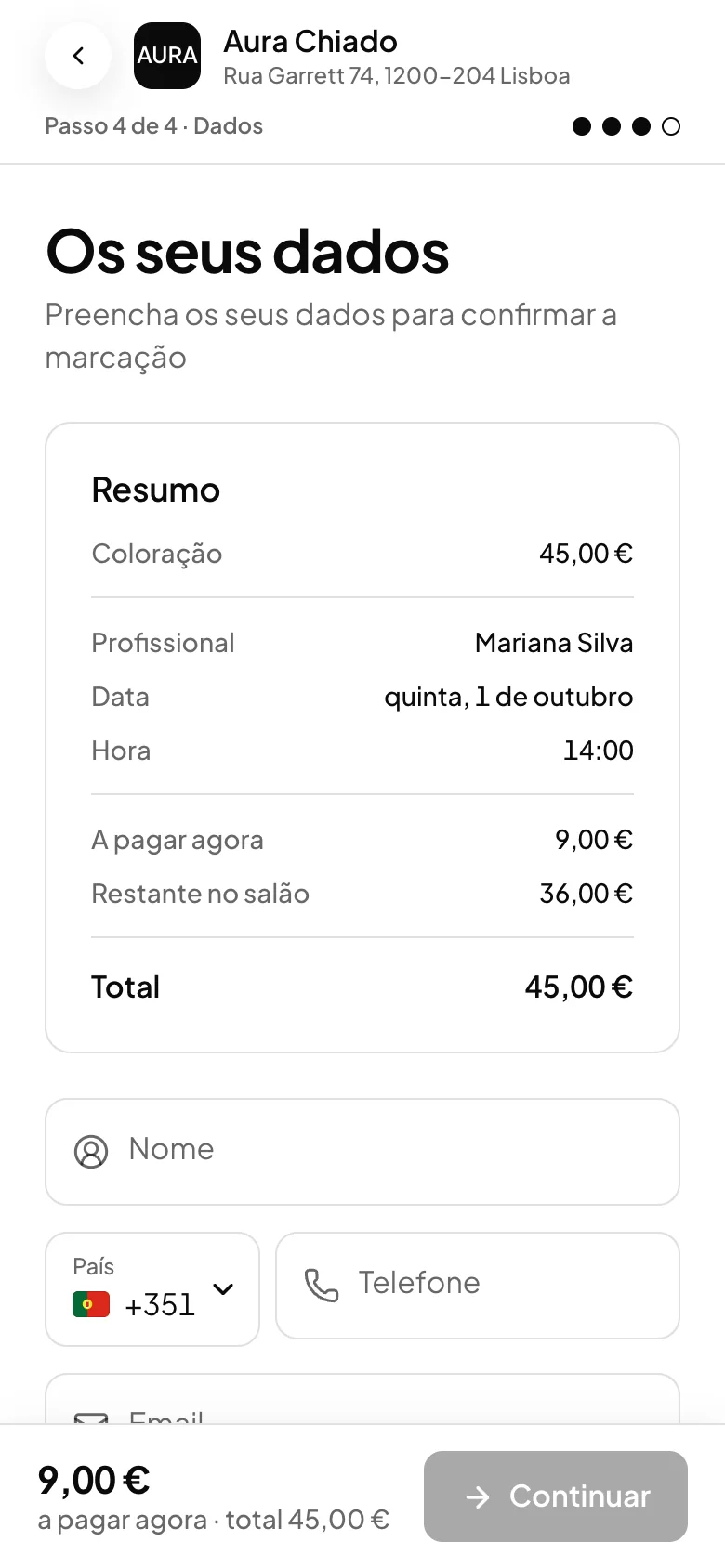
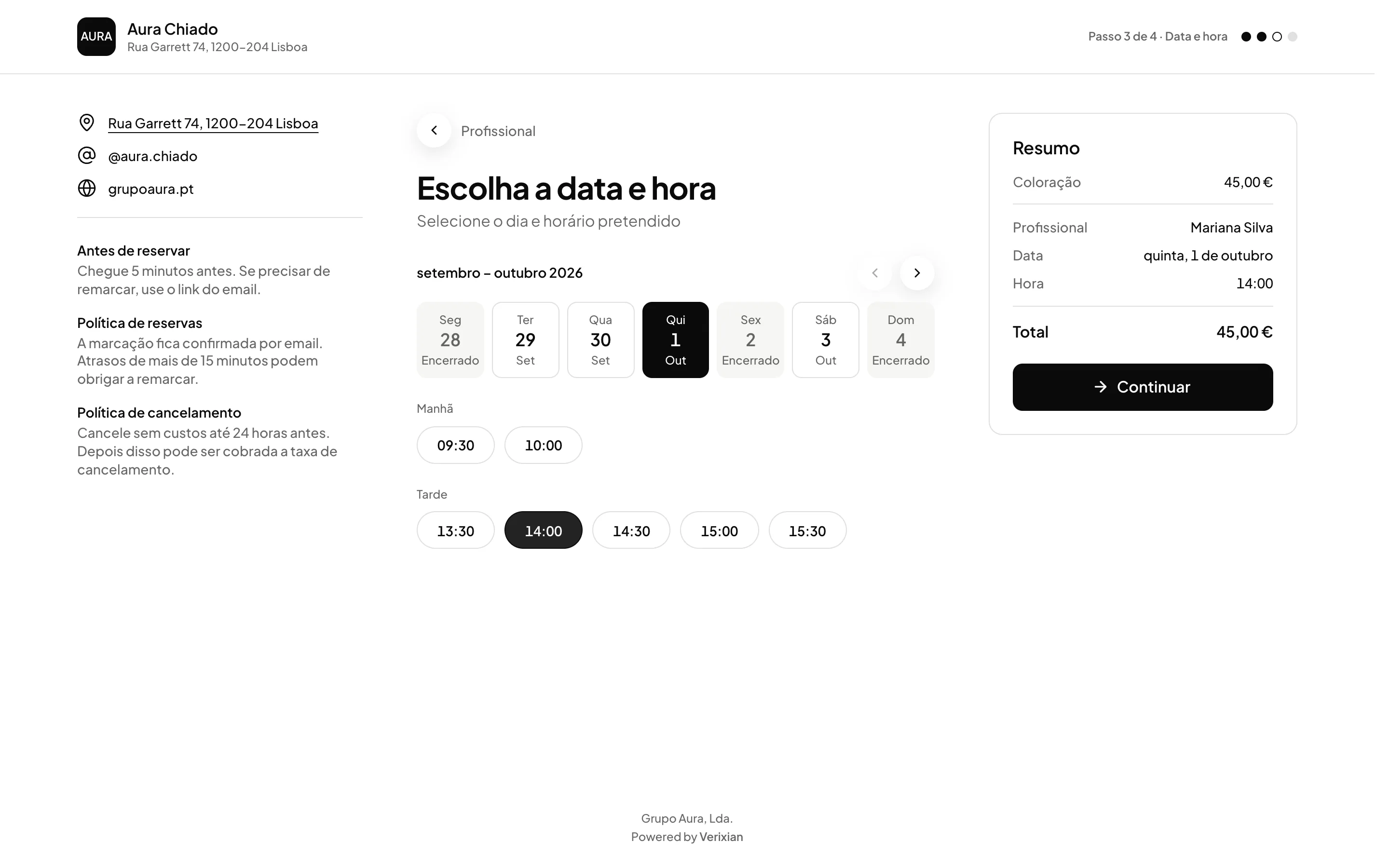
The booking page shows the payment step. The client sees how much they pay now and how much is left to pay at the shop.
Refund from the calendar
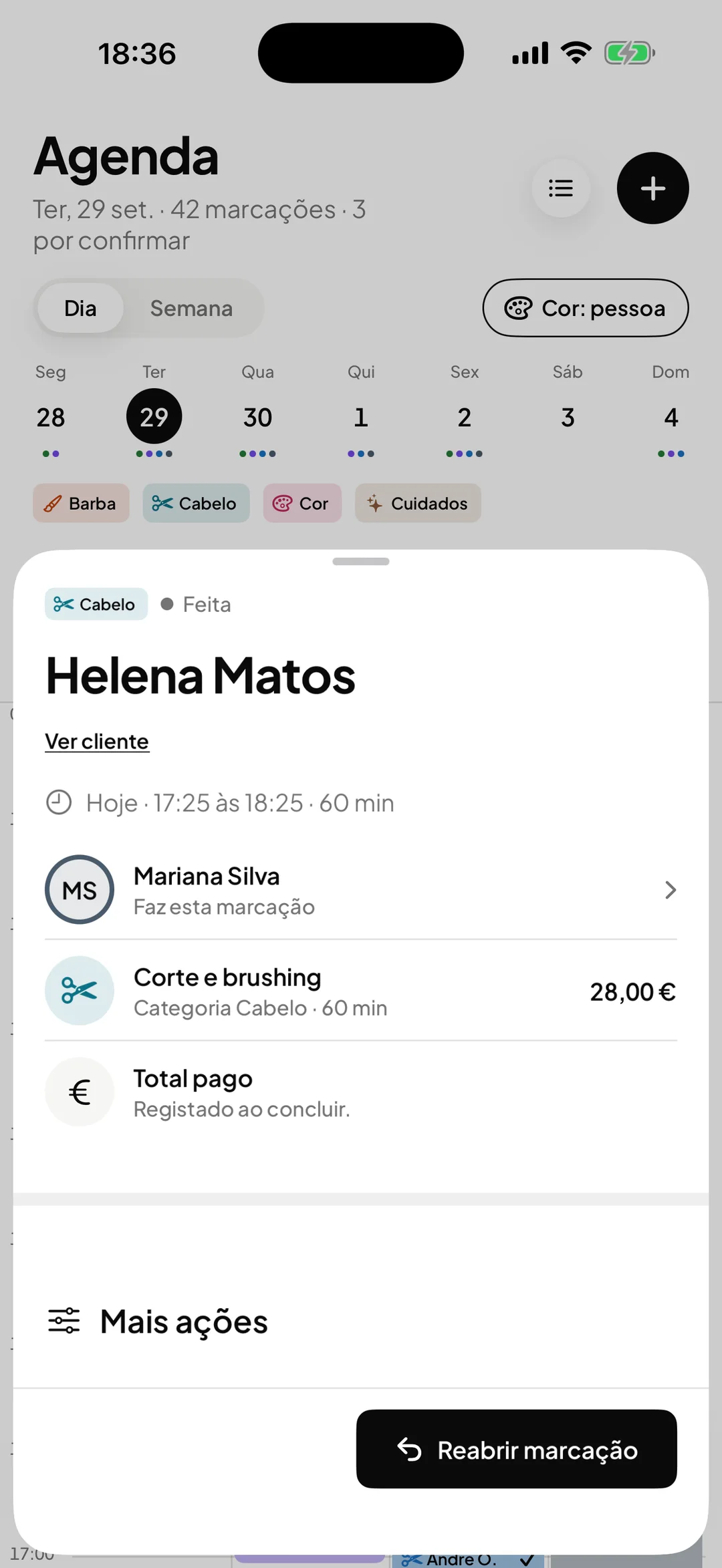
If you need to return a payment, in full or in part, the owner issues the refund on the booking itself.
Frequently asked questions with straight answers.
Does ORAS keep part of the payment?
No. ORAS takes no commission per booking. Stripe charges its own processing fees, as with any card payment.
What happens if the client cancels?
Before the deadline, they get the money back automatically. After the deadline, or in case of a no-show, the deposit is kept or the cancellation fee is charged. If the shop cancels, the client is refunded in full.
Can the client use their cashback balance on the booking?
Yes. If the shop has cashback, the client enters the card code at the last step and the balance is deducted from the amount.
Related features
Online bookings
Clients book themselves, at any hour.
A booking page open around the clock, with real availability and optional approval.
Learn more Online bookingsRecorded payments
Every payment recorded, linked to the booking.
Every payment with client, professional and method, refunds, and an export for your accountant.
Learn more Recorded payments
See ORAS for your type of business
See moreSee less
or feature by feature
Want to see ORAS with your own data?
Tell us how you work and we will show you the system running. If it fits, we set it all up with you, data migration included.
- A 30-minute demo, no commitment
- Data migration included
- No minimum term, 30 days’ notice
- Support in Portuguese by email and WhatsApp