Payments and invoicing
Every payment recorded, linked to the booking.
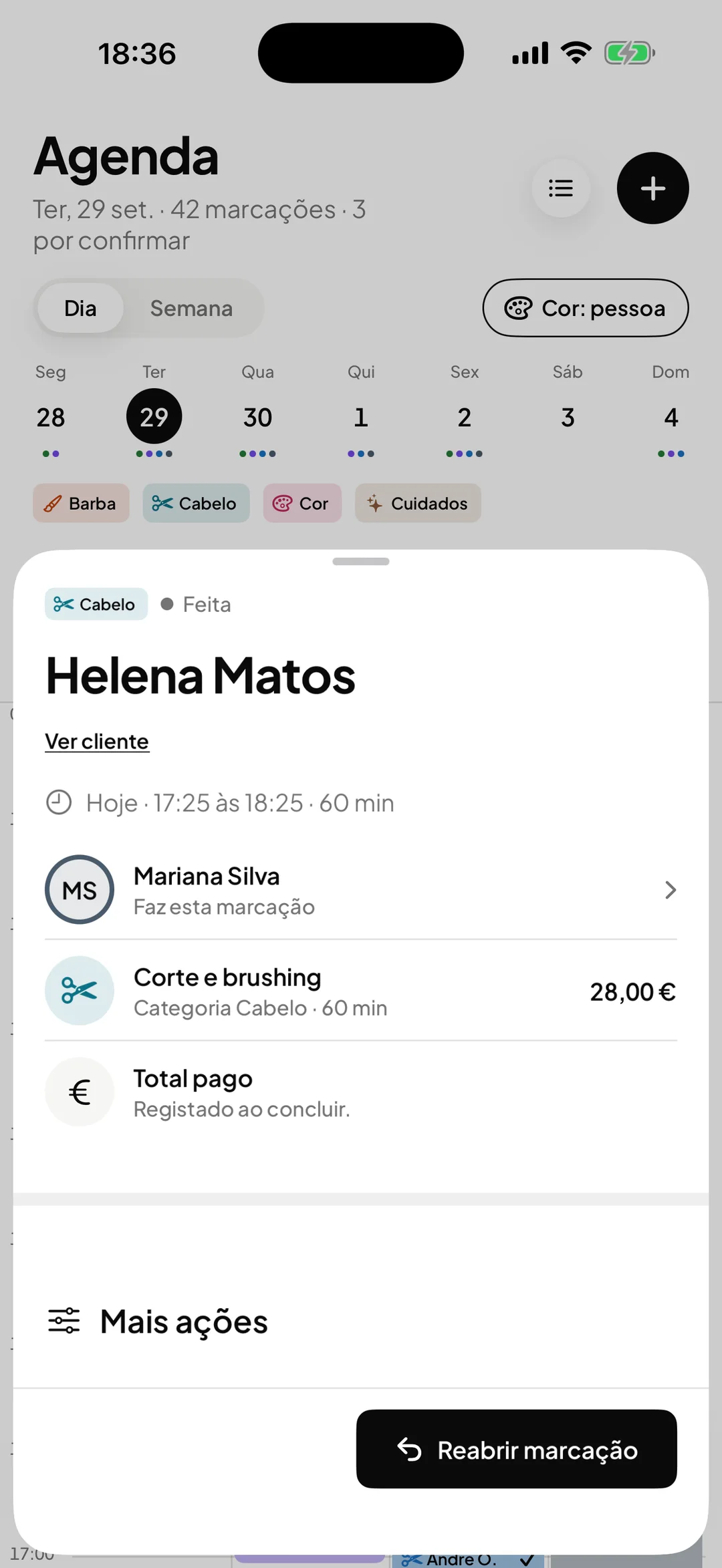
When you complete a visit, ORAS stores the amount, the VAT, the payment method and the professional. You get the list for any period, filtered and ready to export as CSV for your accountant.

- ORAS commission per booking
- 0%
- Desktop, iPhone and Android
- 3
- Client card in Apple and Google Wallet
- Wallet
- Every feature included
- 1 plan
Made in Portugal · Data hosted in the European Union
What it does
Recorded when the visit is completed
The payment is recorded with the services, the amount, the VAT, the method (cash, card, MB Way, bank transfer) and the professional. There is nothing to copy up at the end of the day.
A list by period and status
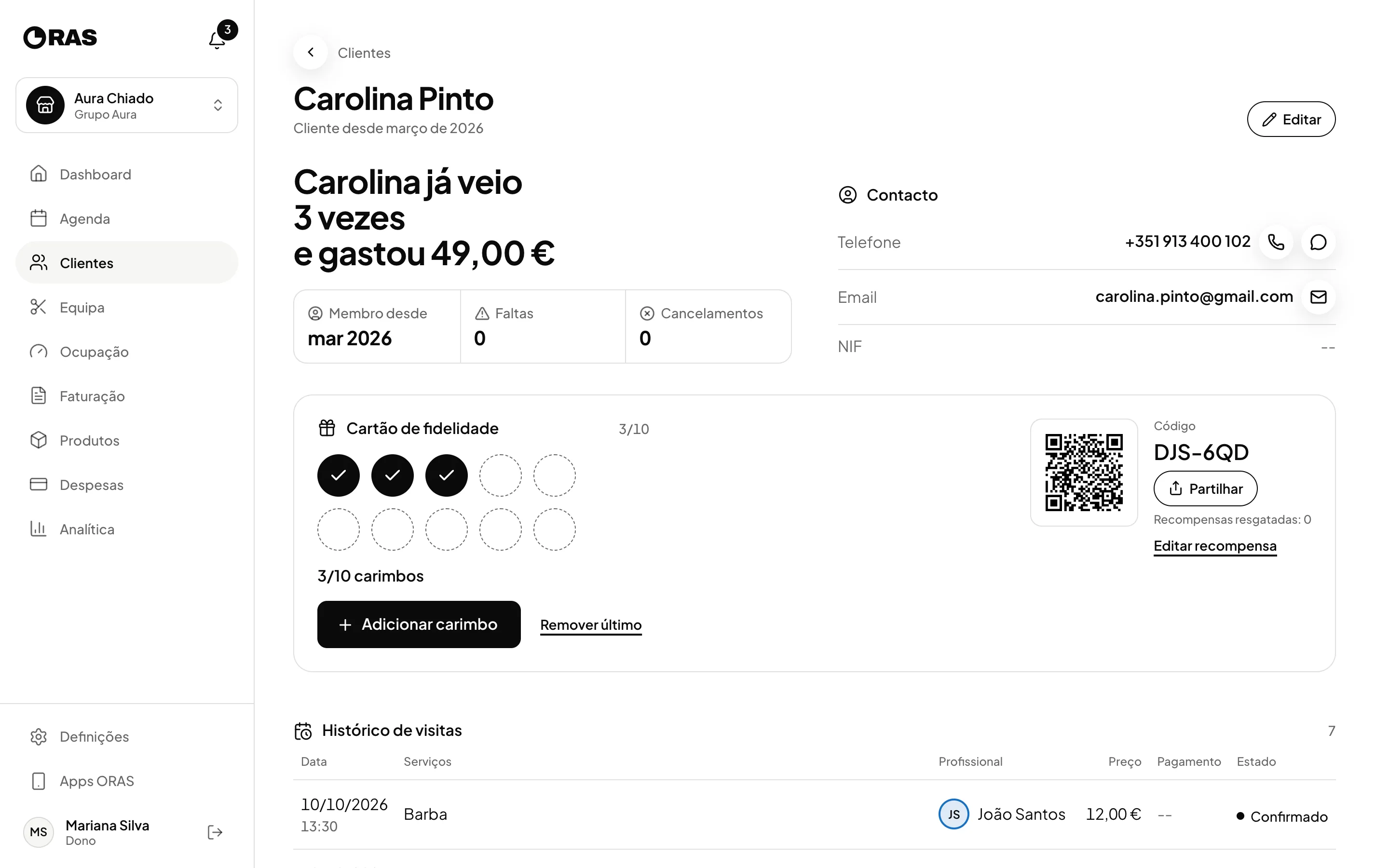
See what came in today, this week, this month or between two dates of your choice, and filter by status.
Refunds marked
An online payment that is returned is marked as refunded and stops counting towards revenue.
CSV export
Export the filtered list with date, client, professional, subtotal, VAT, total and payment method, to send to your accountant.
How it works
Set the VAT for each service
When you create a service, enter the price and the VAT rate. ORAS uses them in every payment record.
Complete the booking
At the end of the visit, complete the booking in the calendar and choose the payment method. The record is created at that moment.
Record what does not go through the calendar
For a payment with no booking, create the record by hand, with client, professional, line items and VAT.
Export at month end
Choose the period, filter what you need and export the CSV for your accountant.
Frequently asked questions with straight answers.
Does ORAS replace my invoicing program?
No. ORAS records payments to keep control of the business. Legal invoices still come from the invoicing program you already use. We are official Moloni partners: if you do not have certified invoicing software yet, we handle the subscription and setup with you.
Which payment methods can I record?
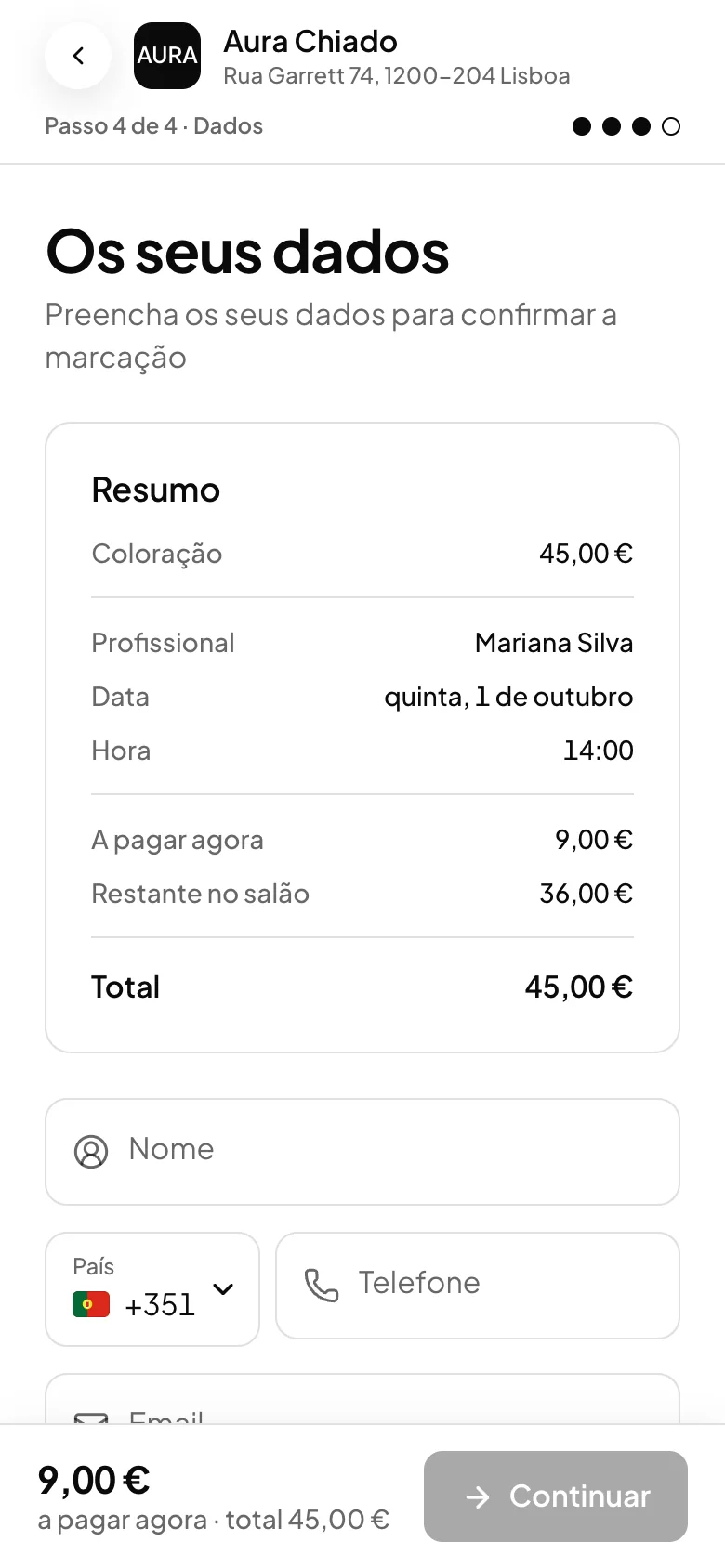
Cash, card, MB Way, bank transfer or other. Deposits and prepayments made when booking online are processed by Stripe, in your business’s account.
Who has access to payments?
The owner and the manager. Professionals and the front desk do not see this area.
Related features
Online payments
Deposit or prepayment, in the booking itself.
Deposit, full payment or card on hold, straight to your Stripe account.
Learn more Online paymentsExpenses
Know how much is left at the end of the month.
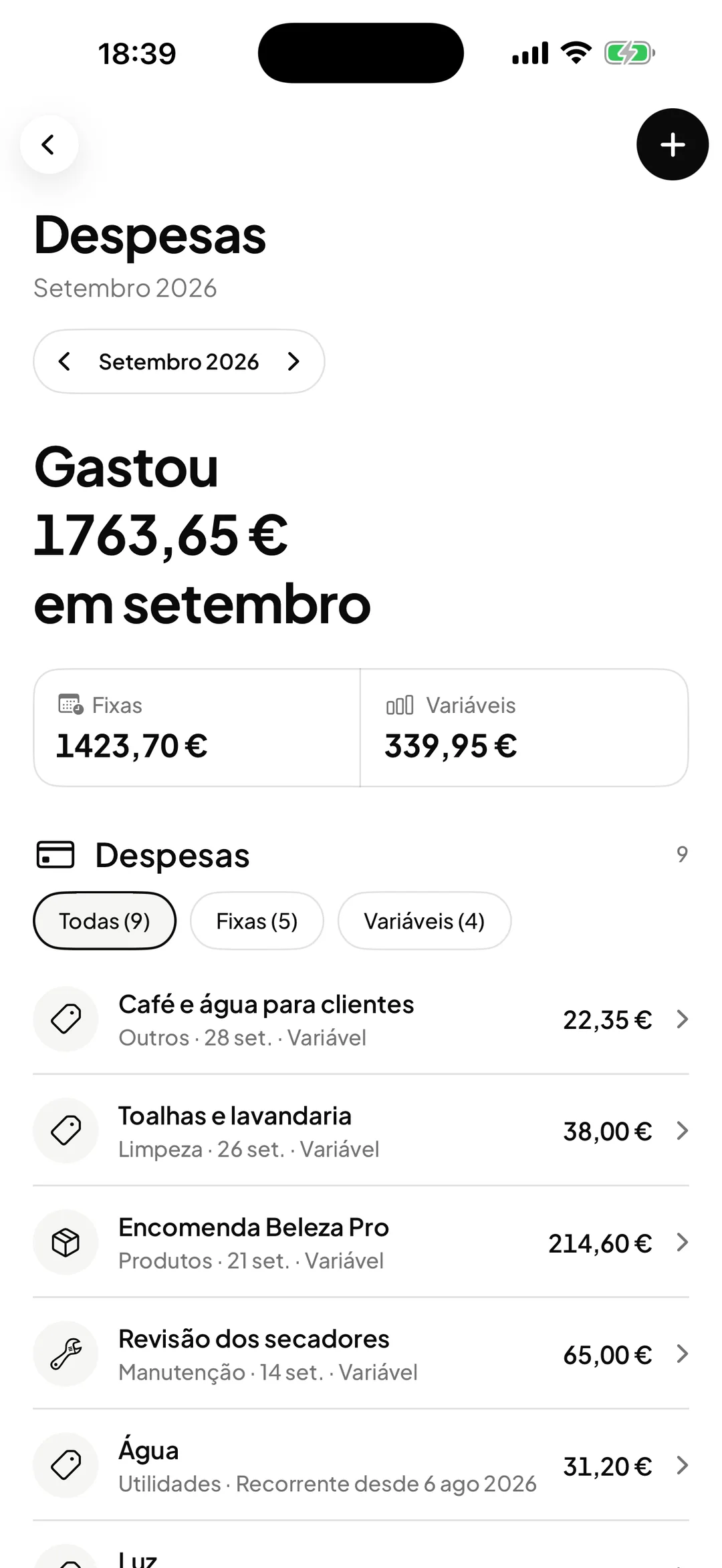
Fixed and variable, by category, with profit worked out.
Learn more Expenses
See ORAS for your type of business
See moreSee less
or feature by feature
Want to see ORAS with your own data?
Tell us how you work and we will show you the system running. If it fits, we set it all up with you, data migration included.
- A 30-minute demo, no commitment
- Data migration included
- No minimum term, 30 days’ notice
- Support in Portuguese by email and WhatsApp